Is There an APK Download for the Pinterest Video Downloader App?
People search for a Pinterest video downloader APK because they expect a normal app: install it once, tap an icon, save a video. That expectation makes sense on Android, where almost everything arrives as an app.
Pinterest video downloading works differently. The task needs a pin link and a server, not an app on your phone, so most reliable tools run in a browser instead of shipping an APK file. This guide explains what that means in practice, what you get instead of an APK and why the APK files floating around search results deserve a careful look before you install one.
Quick answer: PinVideo does not publish an APK file. The tool runs in your browser on Android, iPhone, Windows, Mac and you can add it to your home screen so it opens like an app. Any file advertised as an official PinVideo APK did not come from us. Treat unofficial downloader APKs with caution because they ask for phone permissions that a web tool never needs.
The Short Answer About an APK
No official APK exists. PinVideo runs as a website, so nothing installs on your phone and nothing sits in your app drawer taking up storage.
You open the Pinterest video downloader in Chrome, Safari or any other browser, paste a pin link and save the MP4 file. The process finishes in a few seconds and works the same on every device.
If a site offers you a PinVideo APK, that file came from someone else. We do not distribute one and we cannot tell you what a repackaged file contains.
What an APK File Actually Is
APK stands for Android Package. It is the installer format Android uses, in the same way Windows uses an EXE file and iPhone uses the App Store.
When you install an app from Google Play, Android reads an APK behind the scenes. You never see the file because the Play Store handles it for you. Downloading an APK from a website and installing it yourself is called sideloading.
Sideloading is not illegal and it is not automatically dangerous. The risk comes from the source. A Play Store listing has a verified developer account behind it, while a random APK site has nobody accountable for the file it serves you.
Why a Downloader Does Not Need an App
A downloader has one job: read a public pin page and hand you the video file. Your browser already does everything needed for that.
An installed app would add work rather than remove it. You would download it, grant permissions, keep it updated and lose storage space, all to reach a page you can already open in one tap.
A web tool also updates instantly. When Pinterest changes something on its side, the fix goes live for everyone at once. An installed app breaks until each user updates it, which is why so many downloader apps in the stores sit full of one-star reviews saying the app stopped working.
Add the Web Tool to Your Home Screen Instead
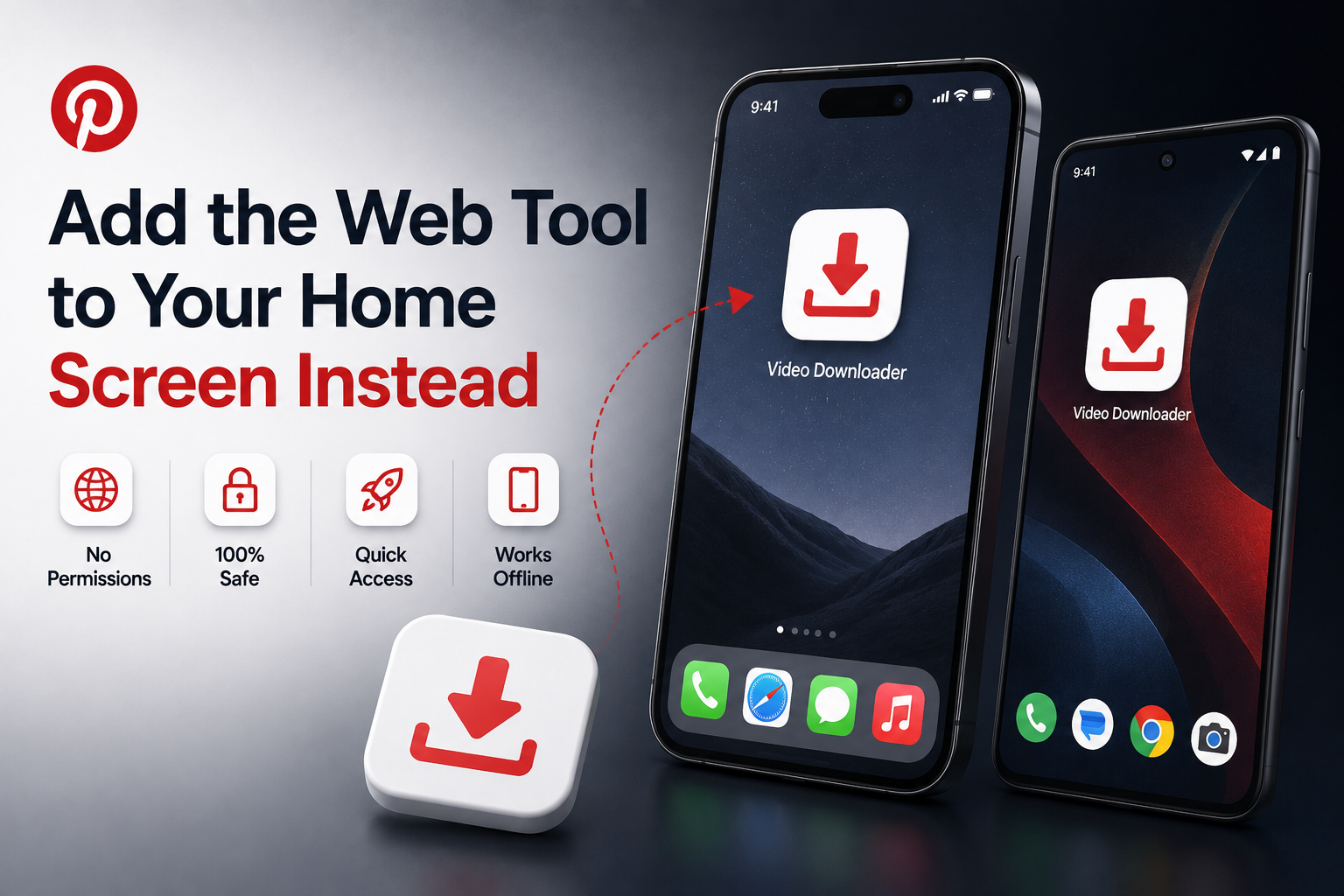
You can still get an app icon on your phone. Your browser can pin the site to your home screen, where it opens full screen with no address bar.
On Android
- Open the downloader in Chrome.
- Tap the three-dot menu at the top right.
- Tap Add to Home screen and confirm the name.
- Tap the new icon whenever you want to save a video.
On iPhone or iPad
- Open the downloader in Safari.
- Tap the share icon at the bottom of the screen.
- Scroll down and tap Add to Home Screen.
- Tap Add in the top right corner.
This shortcut needs no permissions, uses almost no storage and cannot access your contacts, your photos or your messages. You get the convenience of an app without handing anything over.
The Real Risks of Unofficial Downloader APKs
Search results are full of APK files that claim to be the app version of a popular web tool. Some are simply wrappers around the website. Others carry a problem you only notice later.
- Repackaged files. Anyone can take a real app, add code and republish the APK under the original name and icon.
- Permission overreach. A downloader has no reason to read your SMS messages, your contacts or your call log. Adware and spyware ask for exactly those.
- Aggressive advertising. Some sideloaded apps push full-screen ads onto your lock screen or open browser tabs on their own.
- No update path. A sideloaded app receives no automatic security updates, so a flaw found next year stays on your phone.
- Fake versions of real brands. A file named after a legitimate tool proves nothing about who built it.
The pattern matters more than any single file. When a web page already does the job for free, an APK adds risk without adding a feature.
What Android Does When You Install an Unknown App
Android blocks installs from outside the Play Store by default. When you try to sideload a file, the system asks you to allow that specific app to install unknown apps and the permission applies per app rather than to the whole phone.
Google Play Protect then scans the file. It checks apps at install time, scans your device periodically and can warn you, disable an app or remove it if it finds harmful behaviour. Google explains the whole system on its Play Protect help page, including how to run a manual scan.
Play Protect helps, but it is a safety net rather than a guarantee. New malicious builds appear faster than any scanner catalogues them, so the warning screen deserves your attention rather than a quick tap through.
Web Tool and APK App Compared
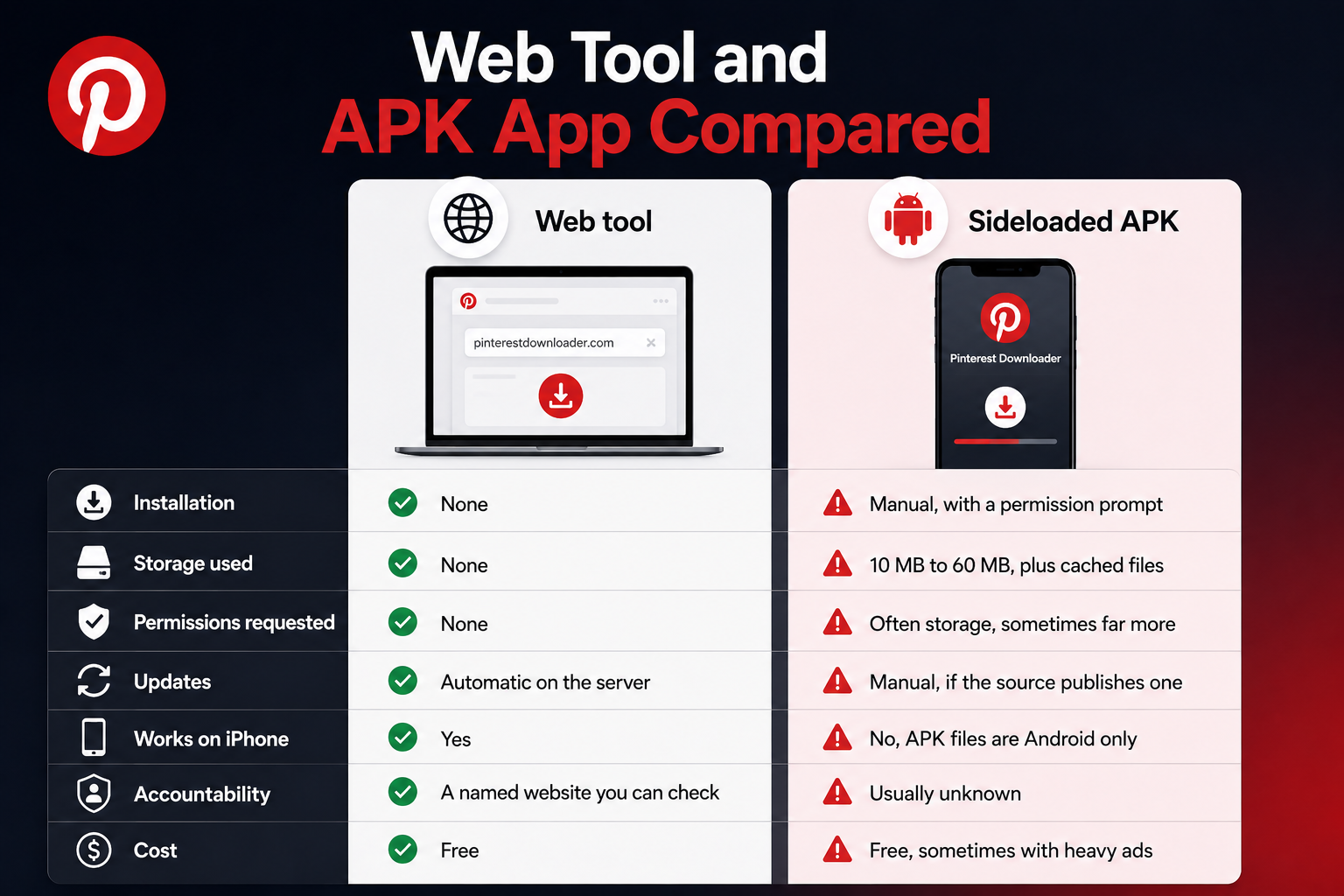
Both routes end with a video on your phone. Everything around that differs.
| Point | Web tool | Sideloaded APK |
|---|---|---|
| Installation | None | Manual, with a permission prompt |
| Storage used | None | 10 MB to 60 MB, plus cached files |
| Permissions requested | None | Often storage, sometimes far more |
| Updates | Automatic on the server | Manual, if the source publishes one |
| Works on iPhone | Yes | No, APK files are Android only |
| Accountability | A named website you can check | Usually unknown |
| Cost | Free | Free, sometimes with heavy ads |
The comparison explains why the web route stays popular. It gives you the same file with fewer moving parts.
How to Check Whether an APK Source Is Trustworthy
Sometimes you genuinely need to sideload something, for a beta build or an app that is not available in your country. Apply the same checks every time.
- Start with the developer's own site. A real developer links to their APK from their official domain, not from a download portal.
- Check the signature. Reputable mirrors publish the certificate fingerprint so you can confirm the file matches the developer's build.
- Read the permission list before you accept it. Ask what each permission does for the feature you want.
- Search the exact app name plus the word malware. Problems get reported quickly in security forums.
- Avoid files hosted behind link shorteners and ad gateways. Legitimate downloads do not need five redirects.
- Never install an APK sent to you in a message. That route delivers most Android malware.
Fail any one of these checks and skip the file. No downloader is worth the cleanup.
What to Do If You Already Installed One
Removing a suspicious app is straightforward and doing it early limits the damage.
- Uninstall it. Open Settings, go to Apps, find the app and tap Uninstall.
- Run a Play Protect scan. Open the Play Store, tap your profile icon, tap Play Protect and run a scan.
- Check your permissions. In Settings, open Privacy and review which apps hold access to your camera, microphone, contacts and messages.
- Look for device admin access. Some harmful apps register as a device administrator so they resist removal. Revoke that access before uninstalling.
- Change important passwords. Do this if the app requested accessibility access or if you signed in to anything through it.
If the phone still behaves strangely after all five steps, back up your photos and files, then perform a factory reset. A reset removes anything a normal uninstall left behind.
Saving Pinterest Videos Without Any App
The method that avoids the whole question takes three steps. Copy the pin link, paste it into the downloader and save the MP4 file to your device.
Nothing installs, nothing asks for permissions and nothing needs an update. PinVideo works this way on purpose, because a browser already holds every capability the task requires.
Keep the usual courtesy in mind once the file sits on your phone. Personal viewing raises no issue, while reposting or selling someone else's video does.
Pinterest sets out its own position in its copyright policy, which explains how the platform handles infringement reports and repeat offenders.
One note on transparency. PinVideo publishes this guide and builds the web tool described in it, so we have kept the safety advice general. Apply the same checks to any downloader you use, including ours.